
If your mower is leaving grass clumps, strips, or a weak spray from the side chute, you are dealing with Raptor SD discharge problems. The good news is that most discharge issues come from a small set of causes, and many are easy to fix at home.
On the Hustler Raptor SD, poor discharge is usually tied to blade condition, deck setup, grass load, or airflow inside the deck. Once you know what to check first, you can usually tell whether the problem is a quick clean-out, a blade issue, or a deeper deck adjustment.
This guide walks through the real causes, the best fixes, and the habits that prevent the problem from coming back. You will also see which signs point to a simple owner fix and which signs point to a mechanical issue that needs more attention.
For wider troubleshooting context, compare this guide with Raptor SD drive belt problems, Hydro Gear ZT-3400 problems.
Start with the most common cause: airflow loss under the deck
The 80% case for Raptor SD discharge problems is not a broken mower. It is usually poor airflow under the cutting deck. A mower deck does more than cut grass. It also moves air fast enough to lift the grass, cut it cleanly, and push clippings out through the chute.
When that airflow drops, clippings stay inside the deck longer. They get chopped again and again, which leads to clumping, uneven discharge, and a messy stripe behind the mower. Wet grass, packed deck buildup, dull blades, and low engine speed all make this worse.
A clean deck can still discharge poorly if the blades are wrong for the job. On the other hand, sharp blades will not fully solve the problem if the underside of the deck is packed with grass. That is why the best fix starts with a simple inspection.
What to check first
- Underside of the deck: Look for thick grass buildup, especially near the chute side.
- Blade edges: Check for dull, rounded, or nicked cutting edges.
- Blade orientation: Make sure the blades are installed the correct way.
- Grass condition: Wet, tall, or overgrown grass creates heavy discharge problems.
- Engine speed: The mower needs full operating speed to keep airflow strong.
If the mower used to discharge well and suddenly got worse after one mowing session, the deck is the first place to inspect. A small layer of wet clippings can change how the whole system performs.
Blade problems that hurt discharge quality
Blades matter more than many owners expect. A blade does not just cut. It also creates lift and helps move clippings toward the discharge opening. That means a blade with the wrong edge, wrong shape, or wrong installation can create immediate Raptor SD discharge problems.
Dull blades are the easiest issue to spot. They tear grass instead of slicing it cleanly. Torn grass is heavier and clings together, so it does not move out of the deck as well. Bent blades are another problem because they can throw the airflow pattern off balance and cause uneven cutting.
Even a blade that looks “okay” can perform badly if it has been sharpened too many times and lost too much original shape. A blade that is too thin at the wing area may still cut, but it often loses the lift needed for strong discharge.
Signs the blades are part of the problem
- Grass looks shredded instead of cleanly cut.
- Clippings collect in piles near the discharge side.
- The mower leaves uncut strips in dry grass.
- You notice vibration, especially at higher blade speed.
- The cut quality got worse after hitting a stump, root, or rock.
If a blade is bent or badly nicked, replace it instead of trying to “make do.” A damaged blade can cause uneven discharge and also increase vibration, which can stress the spindle and deck hardware.
How to correct blade-related issues
- Shut off the mower, remove the key, and disconnect the spark plug wire if accessible.
- Raise the deck and inspect each blade carefully.
- Clean all grass off the blade before judging its shape.
- Look for sharpness, bends, cracks, and missing metal.
- Replace any blade that is bent, cracked, or heavily worn.
- Install blades in the correct direction so the cutting edge faces the proper way.
- Tighten hardware to the mower maker’s recommended settings.
One non-obvious point: many discharge complaints come back after a blade “sharpening” job that removed too much material from the wing. The blade may still be sharp, but it may no longer move air the way the deck needs.
Deck buildup, mowing height, and grass conditions
Grass condition is a huge factor in discharge performance. Tall, wet, or dense grass acts like a heavy mat. The mower has to cut more material per pass, and the discharge opening can only handle so much at once. That is why the same mower can work fine on one lawn and struggle badly on another.
If you mow when the grass is wet, clippings often stick to the deck and chute. If you mow after letting the grass grow too long, the mower may overload the deck even if the blades are sharp. This is where mowing height and cutting frequency matter as much as hardware condition.
Many owners do not realize that cutting too much at once is a major trigger for discharge trouble. A good rule is to remove no more than about one-third of the grass blade in a single pass. Cutting more than that often overwhelms the deck and leaves clumps behind.
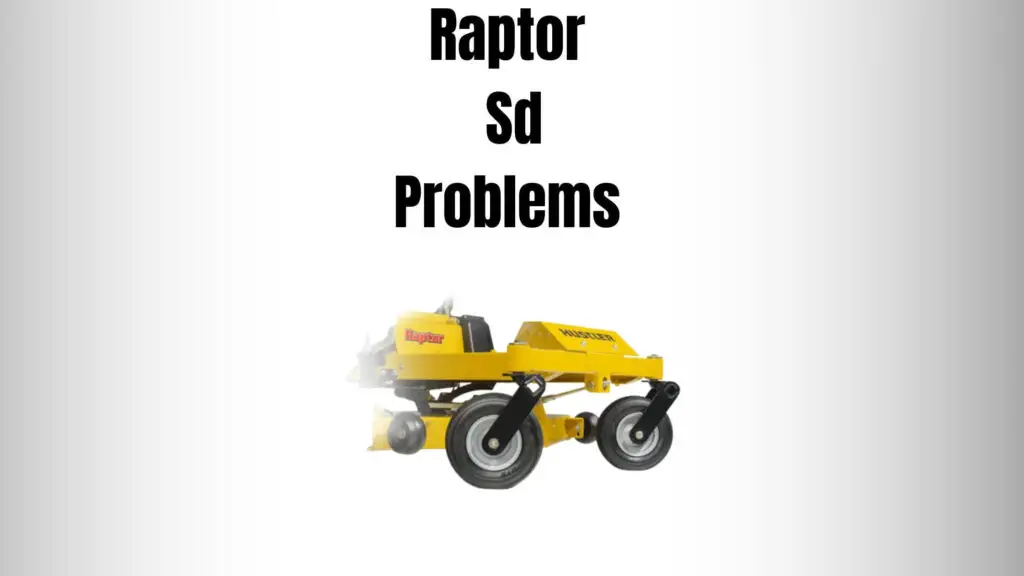
Credit: lawnmowerly.com
Simple grass and setup changes that help
- Mow when the grass is dry.
- Reduce ground speed in thick spots.
- Raise the cutting height if the grass is too tall.
- Make a second pass instead of forcing one heavy cut.
- Overlap passes slightly to avoid missed strips.
A second pass at a higher deck speed is often cleaner than one slow pass through thick grass. That may sound backward, but it helps because the deck stays less overloaded and clippings move out faster.
If your lawn has soft spring growth or heavy summer weeds, expect more discharge stress than usual. The mower is not always the issue. Sometimes the lawn conditions simply demand a slower, lighter cutting pattern.
Chute blockages and deck clogging
The discharge chute is the last step in the clipping path, so it is a common choke point. A partial blockage can cause the mower to throw clippings weakly or dump them in a pile close to the deck. A full blockage may cause the discharge to stop almost entirely.
This is where deck design and maintenance matter. Grass often collects at the chute opening, around the baffles, and under the shell near the blade tips. If that material gets damp and starts to stick, the opening gets smaller with every pass.
Cleaning the chute alone is not enough if the rest of the deck is packed with debris. The full airflow path has to stay open. That includes the underside of the deck, the chute area, and the blade path.
How to clear clogging safely
- Turn off the mower completely.
- Wait for all moving parts to stop.
- Remove the key and disconnect the spark plug wire if practical.
- Inspect the chute opening and remove built-up grass by hand or with a soft tool.
- Scrape packed debris from under the deck.
- Check the blade area for wrapped grass or string-like material.
- Test discharge again on a small section of lawn.
Never put hands near the blade area unless the machine is fully shut down and you are certain it cannot start. Mower decks can look still while stored energy remains in the system, so basic safety matters every time.
For official safety guidance on lawn mower operation and maintenance, the CPSC lawn mower safety guidance is a useful reference.
Drive speed, engine speed, and mowing technique
Sometimes the mower is working exactly as designed, but the operating technique is causing the discharge problem. Ground speed is a big one. If you drive too fast in thick grass, the deck cannot process the volume of material fast enough, and clippings back up inside the housing.
Engine speed matters just as much. The deck needs strong blade tip speed to create lift and carry clippings out of the chute. If the engine is not at the proper operating speed, discharge becomes weak even when the blades are sharp.
Another issue is turning behavior. Tight turns can dump cut grass under the deck instead of out the chute. This is more noticeable when the lawn is damp or the deck is already holding some debris.
Technique adjustments that make a real difference
- Slow down in thick or tall grass.
- Keep the engine at the recommended operating speed.
- Use wider turns when possible.
- Avoid mowing with a half-clogged deck.
- Reduce overlap in already-cut, dry areas if discharge is weak.
One thing that beginners often miss: discharge gets worse at the end of a long mowing session if the deck has slowly built up residue. The mower may seem fine for the first 15 minutes, then start clumping once the underside becomes sticky.
Mechanical issues that can mimic discharge problems
Not every discharge complaint is caused by grass or blades. Some problems come from mechanical wear. Spindle bearings, belt condition, deck alignment, and damaged pulleys can all affect blade speed and cut quality. If the blades are not spinning correctly, discharge will suffer no matter how clean the deck is.
A slipping belt can reduce blade speed under load. A worn spindle can introduce vibration and wobble. A bent deck shell can change airflow enough to reduce clipping movement even when everything else looks normal.
These problems usually show up as a combination of symptoms, not just weak discharge. You may also hear noise, feel vibration, or notice a belt smell after mowing.
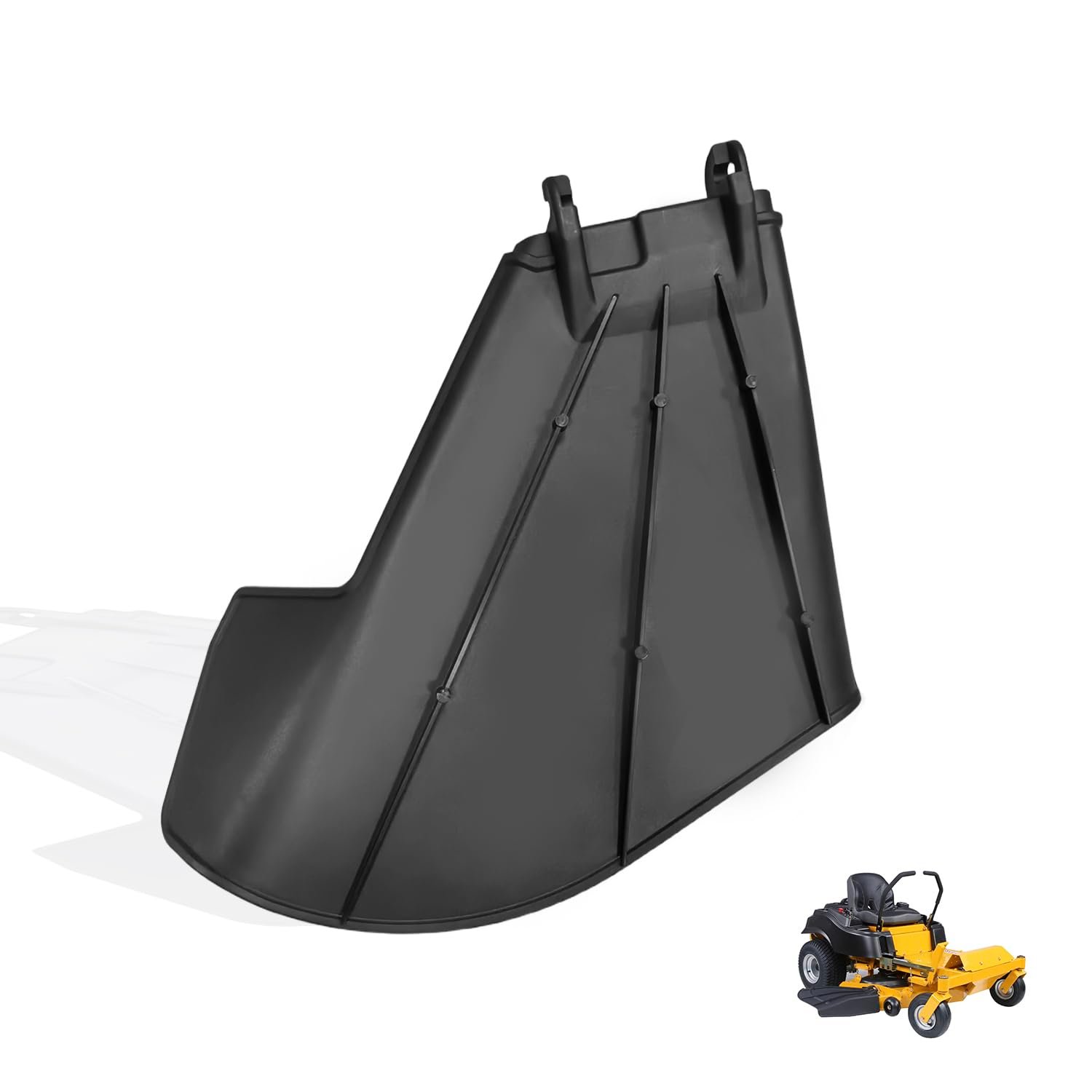
Credit: amazon.com
Warning signs that suggest a deeper issue
- New vibration that was not there before.
- Burning rubber smell from the deck area.
- Uneven cut height across the mowing path.
- Blade speed drops noticeably in thick grass.
- Pulley or spindle noise during blade engagement.
If you suspect a belt or spindle problem, do not keep mowing for long. Continued use can turn a repair into a bigger repair. In many cases, catching the issue early saves the deck, the belt, and the spindle assembly from extra wear.
For model-specific maintenance steps, use the official manufacturer support page for manuals and service information.
A practical order for diagnosing the problem
When you are trying to solve Raptor SD discharge problems, start with the easiest and most likely causes first. That saves time and keeps you from replacing parts that are still fine. A step-by-step diagnostic order works better than guessing.
| What to check | What you may notice | What it usually means |
|---|---|---|
| Deck underside | Packed grass, clumps, sticky buildup | Airflow is blocked |
| Blades | Dull edge, bends, missing metal | Cut quality and lift are reduced |
| Grass condition | Wet, tall, or overgrown lawn | Deck is overloaded |
| Chute opening | Grass pile at the outlet | Material is choking the discharge path |
| Belt and spindle system | Noise, vibration, weak blade speed | Mechanical wear may be present |
This order works because it follows the most common failure path. First, remove blockage. Then inspect blade condition. After that, test mowing technique and grass load. Only then should you dig into belts or spindles.
That approach also helps you avoid a common mistake: blaming the chute cover when the real issue is a dull blade and a packed deck. The cover may be where you see the problem, but it is not always where the problem starts.
Prevention tips that keep discharge strong
The best way to avoid repeated discharge trouble is to keep the deck clean and the blades ready for work. Regular maintenance does not need to be complicated. A few habits will prevent most problems before they start.
Clean the deck after mowing wet grass. Check blade sharpness often during the season. Mow before the grass gets too tall. These are simple habits, but they prevent the buildup that causes weak discharge and clumping.
You should also inspect the mower after impact damage. Even a minor hit can bend a blade slightly or disturb the airflow pattern under the deck. Small changes like that can create a big change in discharge quality.
Good prevention habits
- Clean grass from the underside of the deck regularly.
- Sharpen or replace blades before they become badly worn.
- Mow dry grass when possible.
- Keep the mower at proper operating speed.
- Do not let the lawn grow too tall between cuts.
- Inspect belts and pulleys if cut quality changes suddenly.
One smart habit is to listen to the mower. A healthy deck usually has a steady sound. If the sound changes, the cut changes, or discharge weakens over a few passes, treat it as an early warning sign.
Another helpful habit is to wash or scrape the deck before grass buildup becomes hard and dry. Fresh buildup is much easier to remove than packed residue that has had time to harden.
When the problem is no longer a simple owner fix
Some discharge issues are beyond basic maintenance. If you have cleaned the deck, checked the blades, adjusted your mowing pattern, and the problem still remains, the mower may need service. That is especially true if the issue comes with vibration, noise, smoke, or belt slippage.
Do not ignore repeated symptoms. A mower that keeps throwing clumps or stripping grass unevenly may be telling you that a spindle, pulley, or belt system is failing. The longer you wait, the more likely the wear spreads to other parts.
Call a professional or use the official service guidance if the deck has structural damage, if a spindle feels rough by hand, or if the belt will not hold proper tension. Those are signs that simple cleaning will not solve the issue.
Raptor SD discharge problems are usually fixable, but they should be treated as a system issue, not a single-part issue. The deck, blades, grass condition, and drive system all work together, so the best repairs and prevention plans look at the whole picture.
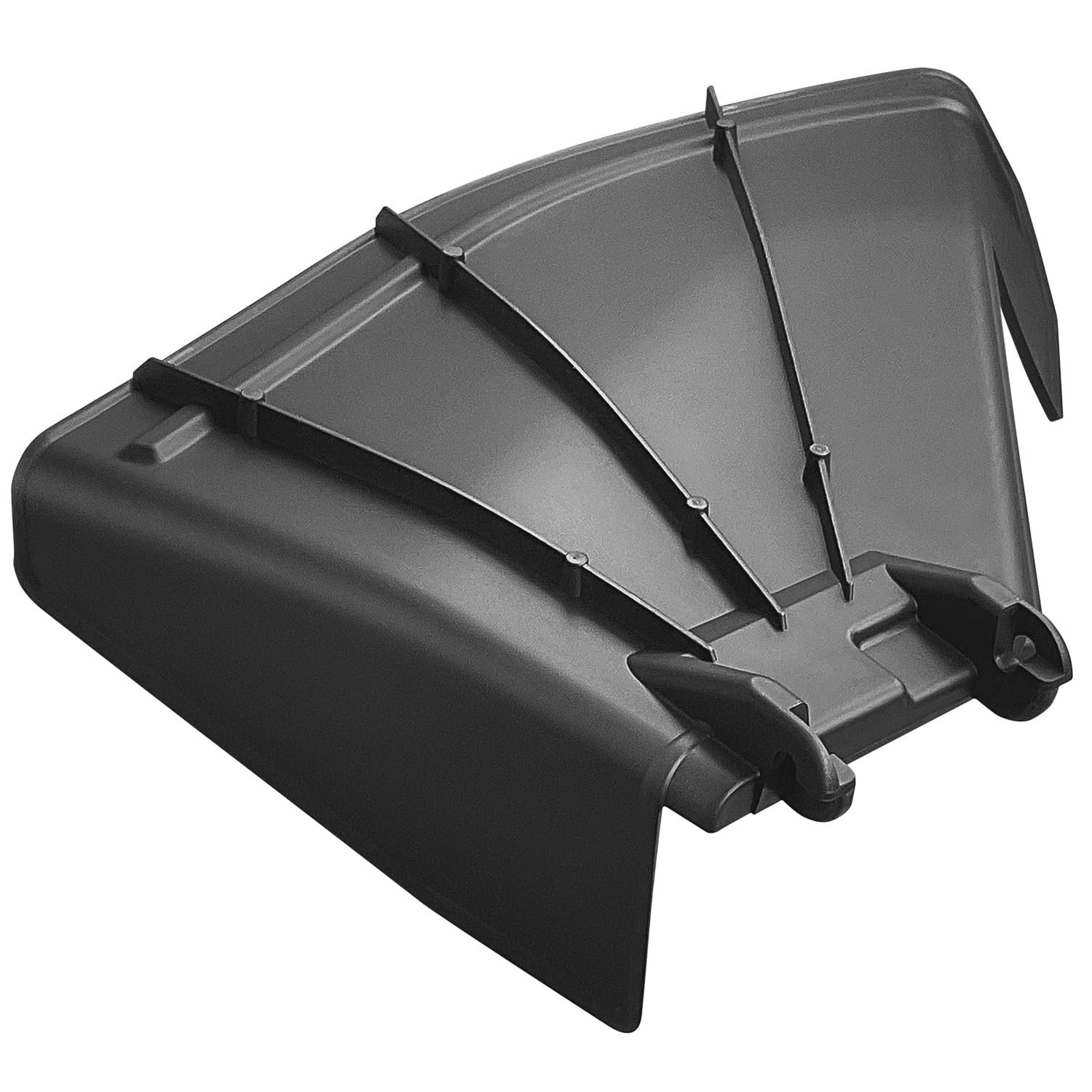
Credit: amazon.com
After the main fault is fixed, run the machine briefly under light load and recheck the related belt, wiring, fuel, fluid, and safety-switch areas before returning it to normal work.
FAQs
Why is my Raptor SD leaving clumps of grass?
Clumps usually mean the deck is overloaded, the blades are dull, or grass is too wet or too tall. Start by cleaning the deck underside and checking the blades before looking at more complex parts.
Can dull blades really cause discharge problems?
Yes. Dull blades do not cut cleanly, so grass tears and sticks together. That heavier material is harder for the deck to move out through the chute.
Why does the mower discharge poorly in wet grass?
Wet grass sticks to the deck and chute more easily. It also adds weight, which makes it harder for the mower to keep clippings moving. Slowing down and raising the deck can help.
How often should I clean the deck to prevent clogging?
Clean it whenever you notice buildup, especially after mowing wet or dense grass. Many owners do a quick clean after each mow during heavy growing season to prevent residue from hardening.
When should I suspect a belt or spindle problem?
If discharge gets weak along with vibration, noise, burning smell, or a drop in blade speed, the belt or spindle system may be worn. At that point, inspection or service is the safer next step.