
If your John Deere 2630 no GPS signal error keeps showing up, the problem is usually smaller than it looks. In many cases, the display is fine and the issue is somewhere in the GPS receiver, cabling, settings, or sky view.
The good news is that this is usually a step-by-step fix, not a guess-and-pray repair. You can narrow down the cause fast by checking power, signal source, software settings, and hardware connections in the right order.
This guide walks you through the most likely causes, how to test them, and what to fix first. It also points out the mistakes that waste time, so you can get your 2630 back to a stable correction signal faster.
For wider troubleshooting context, compare this guide with John Deere 2630 Problems: Display, Auto Steer, GPS, and Fixes, John Deere 2630 problems, John Deere 4310 problems.
Start with the most likely causes
With a John Deere 2630 no GPS signal complaint, the most common cause is not a failed screen. It is usually a receiver problem, a loose connection, or an activation/settings issue that blocks the signal before the display can use it.
The 2630 depends on a clean chain: power, receiver, cabling, antenna, and signal access. If one part breaks that chain, the display may still power on and look normal while showing no usable GPS information.
Check whether the problem is the display or the receiver
First, confirm that the 2630 itself is actually running normally. If the screen boots, menus open, and other functions work, the display is probably not the main fault. That means your focus should move to the signal path.
Look for receiver status messages, weak satellite counts, or a blank GPS status area. If the receiver is not seen at all, the issue is often power, wiring, or communication between the display and the receiver.
Confirm the tractor or implement has a clear sky view
GPS needs open sky. Trees, metal buildings, tall equipment, and even parked machinery can block or weaken the signal. A receiver may work in one spot and fail in another if the view above is poor.
This is a simple test. Move the machine to an open area and wait a few minutes. If the signal returns, the issue is not a dead receiver. It is an environment problem, and that is much easier to solve.
Verify power and basic connections first
Loose power is one of the easiest things to miss. If the receiver gets unstable voltage, it may start, reset, or fail to hold a GPS lock. The same applies to damaged pins, dirty connectors, or a cable that is not fully seated.
Check the harness from the 2630 to the receiver and antenna. Look for bent pins, corrosion, moisture, and cuts in the cable jacket. Even a small break in the wire can cause a signal drop that looks like a GPS failure.
Test the GPS receiver and antenna setup
Once the basics check out, move to the hardware that actually receives the satellite signal. This is where many John Deere 2630 no GPS signal cases are found. The receiver, antenna, or mounting location may be the real issue.
A receiver can fail in two ways: it may lose communication with the display, or it may communicate but fail to lock onto satellites. Those are different problems, so the tests should be different too.
Inspect the antenna location and mounting
The antenna should sit where it has the best possible sky view. If it was moved, bumped, or mounted near a metal obstruction, the signal can weaken enough to cause repeated loss. On larger machines, nearby equipment or roof structures can also interfere.
Make sure the mount is secure and level enough for stable operation. A loose antenna may work for a few minutes, then fail when vibration or movement changes its position.
Look for physical damage on the receiver
Cracks, water entry, dented housings, and damaged connectors can all break GPS performance. Moisture inside the unit is especially bad because it may cause random behavior. The receiver may work cold, then fail after warming up or vibrating.
If you see any sign of impact or water intrusion, stop assuming it is a software issue. Hardware damage can mimic a signal problem, but no reset will cure it.
Compare the receiver behavior with a known-good setup
If you have access to another compatible machine or receiver, swap only one part at a time. That is the cleanest way to isolate the fault. If the 2630 sees the other receiver, the original receiver is likely the problem. If it still shows no signal, the display, harness, or configuration may be at fault.
This kind of test saves hours. Many users replace antennas first, then discover the real issue was a connector, update, or wrong configuration setting.
| What you observe | Most likely cause | What to check next |
|---|---|---|
| No receiver detected at all | Power, cable, or communication failure | Harness, pins, fuse, connector seating |
| Receiver detected but no satellites | Antenna, sky view, or receiver fault | Mount location, antenna damage, open area test |
| Signal works then drops | Loose connection or unstable power | Connector fit, voltage, vibration damage |
| Signal lost after recent changes | Settings, update, or activation issue | System configuration, software version, receiver setup |
Check software, settings, and activation
Not every GPS problem is physical. Sometimes the John Deere 2630 no GPS signal message appears because the system is not configured correctly, the correction source is wrong, or the software does not match the receiver setup.
This matters because a healthy receiver can still look “dead” if the display is waiting for the wrong input. That leads people to replace parts that were never broken.
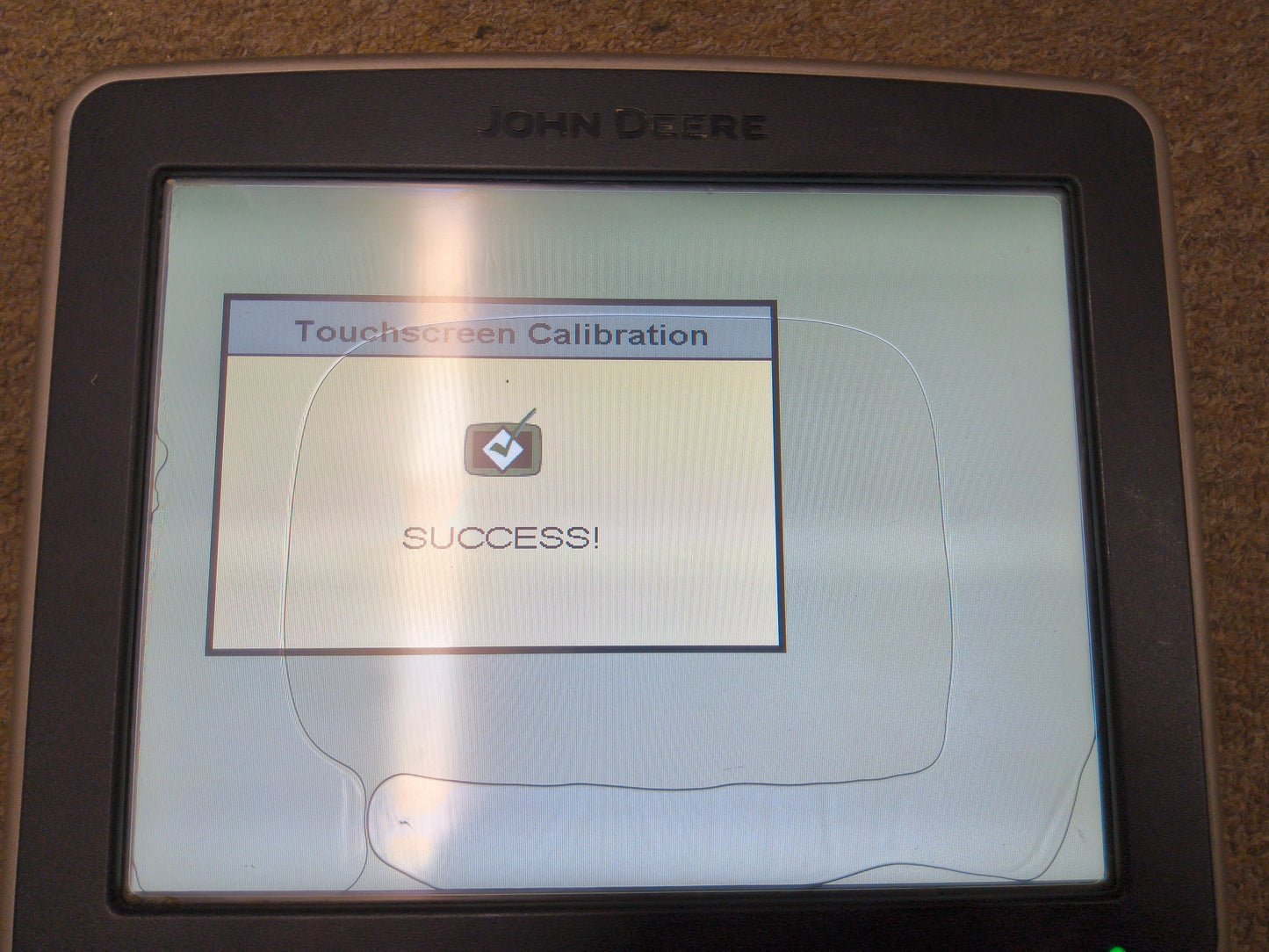
Credit: buysellgps.com
Confirm the correct correction source is selected
The 2630 uses different guidance and correction setups depending on the equipment and receiver. If the input source does not match the installed hardware, the display may not get a valid GPS stream. That can look like a total signal loss.
Check the guidance and receiver settings carefully. If the system was recently updated, reset, or moved to another machine, the source may have changed without being noticed.
Check for recent software changes
Software updates can improve performance, but they can also expose older setup issues. After an update, some systems need settings checked again, especially if the receiver or display was already borderline. A setting that used to work may no longer be correct.
If the problem started right after a software change, do not assume the update is “bad.” First, verify that the receiver type, correction type, and communication settings still match the machine.
Make sure activation or subscription status is valid
Some GPS functions depend on activation or subscription status. If the signal stopped after a long storage period, a system transfer, or service work, the activation may need attention. This is easy to overlook because the screen still powers up normally.
Check the status carefully before replacing hardware. A valid receiver with a blocked service or activation path can behave like a failed GPS unit.
Use official guidance when checking system setup
If you need the correct operating or setup details for your machine, the official owner’s manual and support resources are the safest place to confirm display and receiver requirements. That helps you avoid guessing on settings that vary by setup.
Inspect wiring, connectors, and power quality
Weak wiring is one of the most overlooked reasons for signal loss. A GPS system can fail only when the machine vibrates, warms up, or turns on another load. That makes the fault hard to catch unless you inspect the full harness carefully.
Do not just look at the outside of the cable. Check the ends, the pins, and the routing path. A cable that rubs on metal for weeks may look fine until you bend it and the internal conductor opens.
Check connector fit and pin condition
Disconnect and reconnect the plugs one at a time. Look for pins that are pushed back, bent, green with corrosion, or covered with dirt. If a connector does not lock firmly, it may shake loose in the field and cause intermittent signal loss.
Intermittent faults are the worst kind because they hide during inspection. Gently wiggle the harness while watching the receiver status. If the signal flickers, you have found a connection problem.
Inspect for chafing and crushed cable sections
Run your hand along the wire route and feel for flat spots, cuts, or places where the cable has rubbed against the cab frame or roof. A damaged section near a bend is especially common because vibration slowly breaks the wire strands inside.
If you find damage, repair or replace the harness. Tape alone is usually not enough when the cable carries power or data for sensitive GPS equipment.
Check battery and charging stability
Low or unstable system voltage can create strange electronics problems. A machine may start normally but still deliver poor power quality to the display or receiver. If the battery is weak or the charging system is unstable, the GPS equipment may drop out under load.
Measure voltage if possible. A healthy 12-volt system should stay close to normal operating range during use. Big dips during startup or accessory load are a warning sign.
Use a step-by-step diagnostic order
When troubleshooting GPS, the order matters. Start simple, then move outward. That is the fastest way to fix a John Deere 2630 no GPS signal problem without replacing good parts.
Here is a practical order that works in the field:
- Move to open sky and retest.
- Restart the display and receiver if possible.
- Check power and connector seating.
- Inspect the antenna mount and cable path.
- Confirm settings, correction source, and activation status.
- Swap in a known-good receiver or harness if available.
This order saves time because it follows the most common failure path. The simplest causes are checked first, and the more expensive parts are only touched after the basics pass.
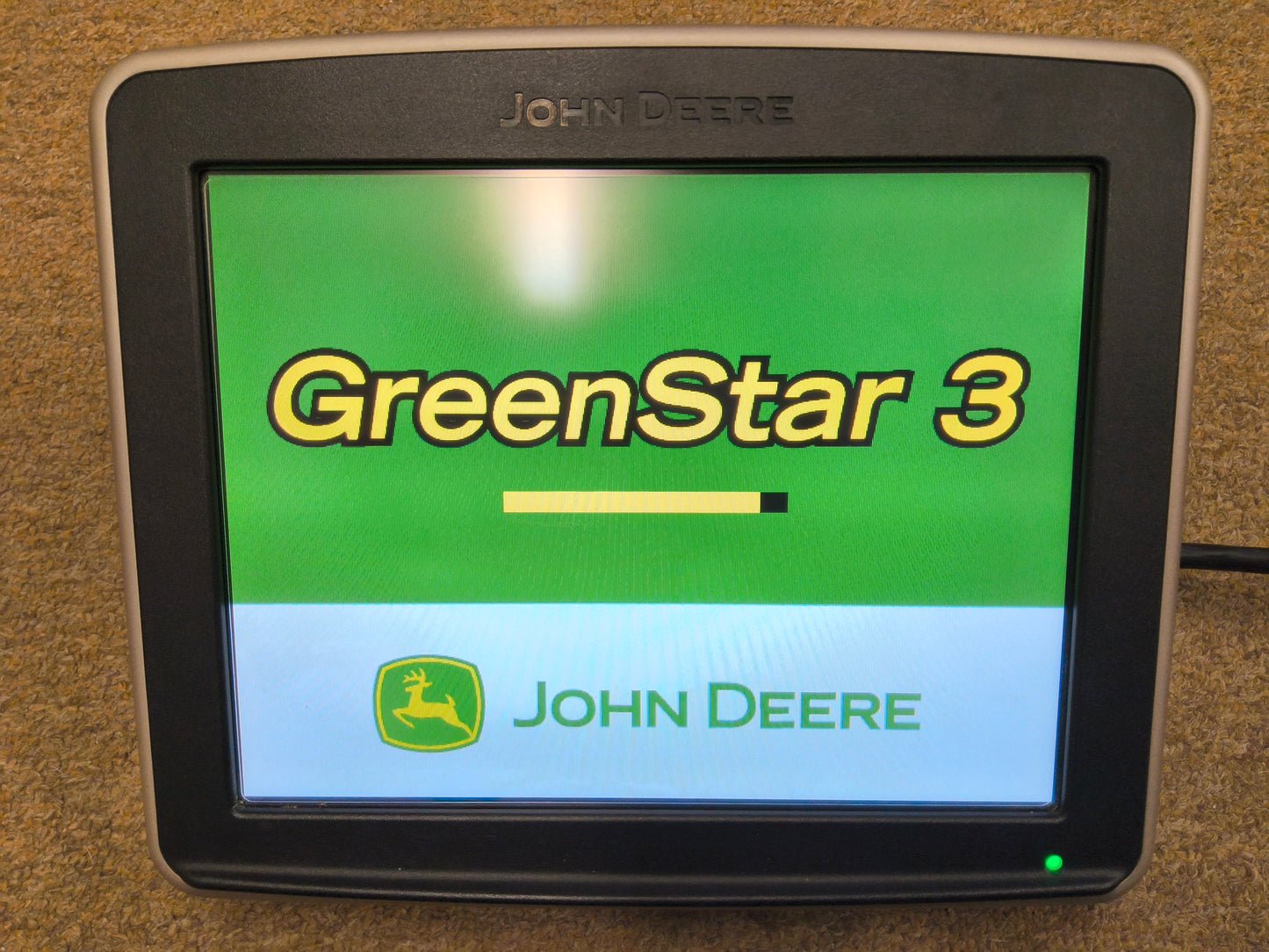
Credit: buysellgps.com
Know which symptom points to which fault
If the GPS fails only in one location, think sky view. If it fails after vibration, think wiring. If it fails after a settings change, think configuration. If it fails with no warning and no receiver response, think power or hardware damage.
That symptom-based thinking is faster than random part swapping. It also lowers the chance of creating a new problem while fixing the old one.
Watch for hidden timing issues
Some GPS receivers take several minutes to re-acquire satellites after being moved, reset, or powered down. A quick test may look like failure when the system just needs time. Give it a proper wait period in open sky before calling it dead.
This is a common mistake. People test for 30 seconds, see no lock, and replace a working unit. A full reacquisition can take longer depending on conditions and system state.
Common mistakes that waste time
Most failed repairs happen because the wrong part gets blamed first. The 2630 display is easy to see, so many people assume it is the problem. In reality, the display is often only showing the symptoms of a receiver, wiring, or settings issue.
Another mistake is checking only indoors or near buildings. GPS problems often disappear in open space, which means the issue is not a complete failure. Testing in the wrong environment leads to false conclusions.
Replacing the antenna before checking the cable
The antenna gets blamed often because it sits at the top of the system. But the cable between the antenna and receiver is just as important. A broken wire in the harness can act exactly like a bad antenna.
Always inspect the connector ends and cable path before buying parts. That habit saves money and reduces downtime.
Ignoring recent machine changes
If the problem started after repair work, winter storage, a cab swap, or a software update, that timeline matters. The fault may have been introduced by the change itself. Many GPS issues are not random at all.
Write down what changed before the failure. That often points you to the real cause faster than any generic checklist.
Overlooking moisture and heat effects
A unit that fails only after rain or midday heat is telling you something. Moisture can enter a connector, and heat can expose a weak solder joint or broken wire. If the failure changes with weather, the issue is probably physical, not just software.
Those clues are easy to miss, but they are valuable. Pattern-based diagnosis is one of the best tools you have.
When repair is enough and when replacement makes sense
Not every GPS issue needs a new receiver. In many cases, the better fix is a connector repair, harness replacement, or setting correction. That is especially true when the problem is intermittent or started after maintenance work.
Replacement becomes more reasonable when the unit has visible damage, repeated moisture exposure, internal failure symptoms, or no response after all basic checks. If the receiver fails across different setups, it is more likely to be the source of the trouble.
Repair first when the fault is external
If the harness is rubbed through, the connector is dirty, or the antenna mount is loose, fix that before replacing electronics. External faults are more common and easier to confirm. They also tend to cause the same symptoms as a failed receiver.
This is one of the most useful non-obvious lessons: a bad connection can look exactly like a bad GPS brain.
Replace only after you isolate the fault
Only replace the receiver or display when you have a strong reason. If possible, test with a known-good component. That isolates the fault and prevents wasted labor. It also helps you avoid replacing two parts when one was enough.
If you are not sure, document the tests you ran. That makes the next step clearer, whether you fix it yourself or hand it to a technician.
Simple checklist before you call for service
Before bringing in outside help, run one last pass through the basics. In many cases, the issue will already be obvious by then. A careful check can save a service call and reduce machine downtime.
- Move the machine to open sky and wait long enough for satellite reacquisition.
- Restart the display and receiver.
- Check all connectors for dirt, corrosion, bent pins, and loose fit.
- Inspect the antenna mount for movement, damage, or poor placement.
- Look for cable chafing, cuts, or crushed spots.
- Confirm the receiver type, correction source, and activation status.
- Test with a known-good part if one is available.
If the system still shows no GPS after those checks, the fault is likely deeper in the receiver, harness, or display communication path. At that point, professional diagnostic tools may be the fastest route.
If you suspect water inside an electrical connector, damaged wiring near power, or a fault that causes repeated resets, it is safer to stop and have the system tested properly. Electrical problems can spread if they are forced.
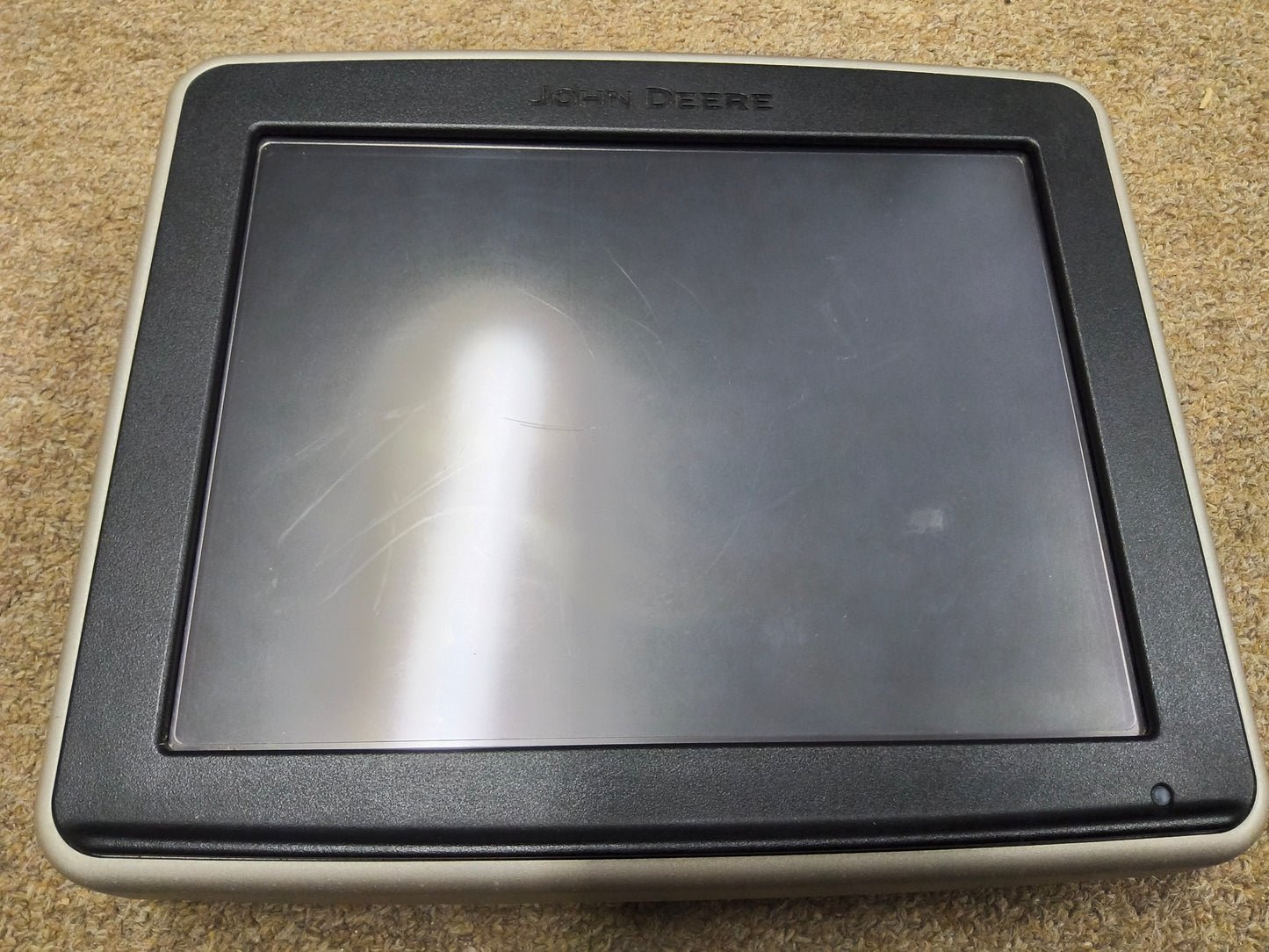
Credit: buysellgps.com
Final takeaway
The fastest way to fix a John Deere 2630 no GPS signal problem is to work from the outside in: sky view, power, connectors, receiver, settings, then software or activation. That order matches the most common failures and keeps you from replacing good parts.
Most signal losses come from simple issues like a loose plug, a damaged cable, a blocked antenna view, or the wrong setup after a change. If you test each layer in order, you can usually find the fault without guessing.
After the main fault is fixed, run the machine briefly under light load and recheck the related belt, wiring, fuel, fluid, and safety-switch areas before returning it to normal work.
FAQs
Why does my John Deere 2630 show no GPS signal after startup?
The most common reason is that the receiver has not locked onto satellites yet, or it is not getting power, communication, or a clear sky view. Give it time in an open area, then check connectors and settings.
Can a bad cable cause a John Deere 2630 no GPS signal issue?
Yes. A damaged or loose cable can block power or data between the display and receiver. Even small connector problems can create the same symptom as a failed GPS unit.
What should I check first if the signal drops only sometimes?
Start with the antenna cable, connector fit, and mounting position. Intermittent problems are often caused by vibration, chafing, or a plug that is not fully locked.
How long should I wait for GPS to come back?
Wait several minutes in open sky before assuming the system has failed. Some receivers need time to reacquire satellites after being powered off, moved, or reset.
When should I replace the receiver instead of repairing it?
Replace it only after you confirm the harness, connectors, settings, and power are good. If the unit still fails in a known-good setup or shows physical damage, replacement is more likely the right move.