
If you own a Grasshopper 725D, you already know why people like this mower. It is built for work, cuts well, and can handle long hours. But like any machine with a diesel engine, hydraulic system, belts, and electrical parts, it can develop problems over time.
When that happens, the same few symptoms show up again and again: hard starting, weak drive, poor cutting, strange noises, overheating, or a deck that does not behave as it should. The good news is that many grasshopper 725d problems are simple to diagnose if you know where to look first.
This guide explains the most common issues, what usually causes them, and how to fix them in a practical way. You will also learn a few easy checks that can save time, money, and frustration before you call a repair shop.
Start with the basics before you blame the big parts
Many owners jump straight to the engine, transmission, or hydraulic pump when the mower acts up. That is a mistake. A lot of problems on the 725D begin with small things: dirty fuel, loose cables, clogged filters, worn belts, or low fluid levels.
The smartest first step is to look at the condition of the mower as a whole. Ask three simple questions:
- Did the problem start suddenly or slowly?
- Did it happen after maintenance, storage, or heavy use?
- Is it an engine issue, a drive issue, or a cutting deck issue?
This matters because the 725D is a system. One weak part can make another part seem broken. For example, a bad battery can look like a starter problem. A clogged fuel filter can seem like an engine failure. A loose belt can feel like a hydraulic issue.
Before you replace parts, inspect the simple items first. That habit alone solves many grasshopper 725d problems faster than guessing.
Engine starting problems and hard starting
One of the most common complaints is that the mower will not start easily, or it starts and dies soon after. This can be frustrating, especially when the machine worked fine the last time you used it.
Common causes
- Weak or dead battery
- Loose or corroded battery terminals
- Bad glow plugs or preheat system issues
- Dirty fuel filter
- Air in the fuel system
- Old diesel fuel
- Faulty starter relay or ignition switch
What to check first
Start with the battery. Measure the voltage if you can. A weak battery may still turn lights on but fail under starter load. Clean both terminals and make sure the cable ends are tight.
Next, check the fuel. Diesel that has sat too long can form sludge and cause poor starting. If the machine has been stored for months, old fuel is a very real cause. Replace the fuel filter if it is dirty or unknown.
Also check for air leaks in the fuel lines. Even a small leak can make the engine crank longer than normal. If the mower has a hand primer, use it to help move fuel through the system.
Fixes that usually help
- Charge or replace the battery if voltage is low.
- Clean battery posts and cable ends.
- Replace the fuel filter.
- Drain stale fuel and refill with fresh diesel.
- Inspect fuel lines for cracks or loose clamps.
- Test glow plugs and preheat function if cold starting is poor.
Non-obvious insight: A mower that cranks slowly is not always a bad starter. In many cases, high resistance in the battery cables is the real problem. The cable may look fine on the outside but still fail under load because of corrosion inside the wire.
Engine loses power while mowing
If the 725D starts well but feels weak on the job, the issue may not be major engine damage. Power loss often comes from restricted airflow, fuel flow problems, or mechanical drag in the mower itself.
Typical reasons for power loss
- Dirty air filter
- Clogged fuel filter
- Blocked radiator or cooling fins
- Worn injector or fuel pump issue
- Engine running too hot
- Deck belt or spindle drag
A dirty air filter is a simple but common cause. If the engine cannot breathe, it cannot make full power. Check the air filter often, especially if you mow in dust, dry grass, or heavy debris.
The cooling system matters too. If the radiator screen or fins are clogged, the engine may reduce output to protect itself. That often feels like random power loss when the real issue is heat.
It is also worth checking whether the deck is too tight or hard to spin by hand when the engine is off. A stiff deck creates drag and steals engine power.
How to fix it
- Replace or clean the air filter.
- Install a fresh fuel filter.
- Clean the radiator screen and cooling fins.
- Check the fuel tank cap vent.
- Inspect belts and pulleys for drag or damage.
- Have injector or pump issues tested by a qualified technician if the simple checks do not help.
Non-obvious insight: A blocked fuel tank vent can cause power loss that feels like fuel starvation. The engine may run for a few minutes, then fade, then recover after sitting. That pattern often confuses owners, but the cap vent is easy to test.
Overheating issues on the Grasshopper 725D
Overheating is one problem you should never ignore. A diesel mower can run hot for a short time without immediate failure, but repeated overheating shortens engine life and can cause expensive damage.
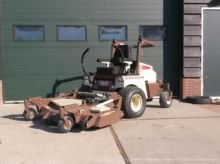
Credit: machinio.com
Main causes of overheating
- Clogged radiator screen
- Dirt packed into cooling fins
- Low coolant level
- Loose or damaged fan belt
- Faulty thermostat
- Low oil level
- Grass buildup around engine compartment
In mowing equipment, airflow is everything. Grass clippings, dust, and chaff build up fast. If you work in dry or tall grass, the cooling system may need cleaning more often than the manual schedule suggests.
Check coolant level only when the engine is cool. Inspect hoses for cracks or leaks. Make sure the fan belt has proper tension. A belt that slips can reduce cooling performance even if it still looks usable.
Also look at the outside of the engine compartment. Packed grass around the engine can trap heat and reduce airflow. Cleaning the machine is part of cooling system maintenance, not just appearance.
Fixes
- Let the engine cool completely.
- Clean the radiator screen and fins carefully.
- Top off coolant if it is low.
- Inspect the fan belt and replace if worn.
- Clean grass and debris from the engine bay.
- Test the thermostat if overheating continues.
If you want a reliable technical reference for diesel engine cooling and general maintenance, the Cummins website offers helpful service information that explains why airflow and coolant condition matter so much on diesel equipment.
Hydrostatic drive problems and weak movement
The 725D is designed to move smoothly, but drive problems can appear as slow response, jerking, weak travel, or a mower that will not move in one direction. These issues are often linked to hydraulic fluid, linkage adjustment, or worn drive components.
Common symptoms
- Mower moves slowly
- One side is stronger than the other
- Jerky travel when starting or stopping
- Loss of drive after warming up
- Mower does not move at all
Likely causes
- Low hydraulic oil
- Air in the hydraulic system
- Worn drive belts
- Loose linkage or control adjustment
- Failing hydraulic pump or wheel motor
- Contaminated fluid
Hydraulic systems are sensitive. Even a small fluid leak can create symptoms that look serious. If the machine gets weaker after warming up, fluid thinning or internal wear may be part of the issue.
Always check for leaks around hoses, fittings, and pump areas. Then inspect the drive belt. A worn or slipping belt can make the machine feel weak even if the hydraulic parts are still good.
Practical repair steps
- Check hydraulic oil level first.
- Look for leaks in hoses and fittings.
- Inspect and replace damaged drive belts.
- Bleed air from the system if the service process calls for it.
- Adjust control linkage if one side is out of sync.
- Replace contaminated fluid and filters as needed.
A small clue many owners miss
If the mower drives normally when cold but gets weak after 20 to 30 minutes, do not assume the pump is dead. Heat-related hydraulic problems are often caused by fluid condition, belt slip, or internal leakage that becomes worse when parts expand.
Deck will not engage or cuts poorly
Cutting problems are another major source of frustration. Sometimes the deck does not engage at all. Other times it engages, but the cut is uneven, weak, or rough.
If the deck does not turn on
- Broken or loose PTO belt
- Faulty PTO switch
- Clutch problem
- Safety switch issue
- Broken wiring or connector
Start by checking the belt and the visible wiring. Many deck engagement problems are caused by a belt that has slipped off or become too worn to grip properly. Then test the switch and safety interlocks if the belt is fine.
If the cut looks poor
- Dull blades
- Incorrect deck height
- Bent blade
- Worn spindle bearings
- Uneven tire pressure
- Deck pitch out of adjustment
Poor cut quality is not always a blade problem. Uneven tire pressure can change deck angle enough to affect the cut. That is one of those simple details many owners overlook.
Also inspect the underside of the deck. Built-up grass can block airflow and reduce lift, which leaves clumps and an uneven finish. Clean the deck more often if you mow damp grass.
How to restore cut quality
- Sharpen or replace blades.
- Check belt tension and condition.
- Inspect spindle bearings for noise or play.
- Clean all grass from the deck underside.
- Set tire pressure evenly.
- Verify deck height and pitch.
Battery, charging, and electrical issues
Electrical trouble can create many confusing symptoms. A weak battery may cause slow cranking. A bad alternator or charging system may let the mower run for a while, then fail later. Corrosion can create random behavior that seems hard to explain.
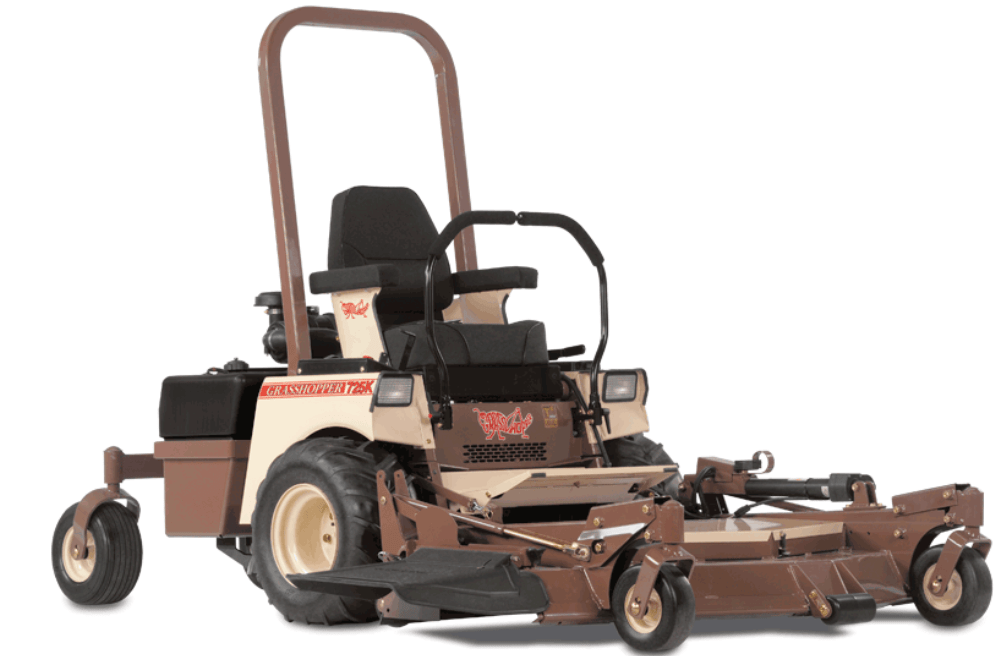
Credit: tsemowers.com
Common electrical signs
- Intermittent starting
- Battery going dead often
- Charging light or warning behavior
- Switches working only sometimes
- Unexpected shutdown
Main causes
- Bad battery
- Loose ground connection
- Faulty alternator
- Worn ignition switch
- Blown fuse
- Damaged wiring harness
Ground problems are especially common. A poor ground can act like several different failures at once. Before buying parts, check the ground strap and make sure the mounting point is clean and tight.
If the battery keeps dying after use, test the charging output. A battery can be new and still go flat if the alternator is not doing its job.
What to do
- Test battery voltage.
- Check charging output while the engine runs.
- Clean all terminals and ground points.
- Replace blown fuses with the correct rating.
- Inspect switches and connectors for wear or corrosion.
Strange noises, vibration, and shaking
Noisy or shaky operation is usually a warning sign. Do not ignore it. It often points to something loose, worn, bent, or out of balance.
What strange sounds may mean
- Grinding: bearing wear or metal contact
- Squealing: belt slip or worn pulley
- Knocking: engine or internal mechanical problem
- Rattling: loose hardware or debris
Vibration often comes from blades first. If a blade is bent, nicked, or installed wrong, the deck can shake strongly. Spindle bearings and pulleys are also common sources.
Check all mounting bolts, belt guides, and spindle hardware. A small loose bolt can create a large vibration once the deck is spinning at full speed.
Fix approach
- Stop the mower and inspect blade condition.
- Check for bent shafts, damaged pulleys, or worn bearings.
- Tighten loose hardware.
- Replace any belt that is glazed, cracked, or frayed.
- Do not run the mower again until the source is found.
Fluid leaks and maintenance concerns
Leaks may look small at first, but they often lead to bigger trouble later. On the 725D, oil, fuel, coolant, and hydraulic leaks all deserve attention.
Why leaks matter
- Low fluid levels can damage parts
- Leaks can create fire risk near hot areas
- Hydraulic leaks reduce drive performance
- Oil leaks can lead to overheating or engine wear
Do not just wipe a leak and move on. Find the source. Fluid travels, so the wet spot may not be the true leak point. Clean the area first, then run the machine briefly and watch where the fluid reappears.
Non-obvious insight: A hose may look fine while cold, but leak only when pressure builds under load. That means a quick visual check is not always enough. Pressure-related leaks often show up during operation, not in the garage.
Best maintenance habits
- Check fluid levels before every major job.
- Inspect belts, hoses, and filters regularly.
- Clean the mower after dusty or wet mowing.
- Follow service intervals for oil and filter changes.
- Replace worn parts before they fail completely.
How to diagnose problems in the right order
When you face grasshopper 725d problems, a random repair approach often wastes time and money. Use a simple order so you do not miss the real cause.
- Observe the symptom. Does it not start, run weak, overheat, or cut badly?
- Check the easiest items first. Battery, fuel, filters, belts, and fluid levels.
- Separate engine issues from drive issues. This narrows the search fast.
- Inspect for heat, leaks, and loose parts. These often reveal the answer.
- Test one change at a time. That way you know what actually fixed it.
This order works because many failures overlap. A mower that will not move may have an electrical issue, a hydraulic issue, or a simple belt problem. Clear diagnosis prevents bad parts replacement.
When to repair it yourself and when to call a technician
Some fixes are easy and safe for most owners. Others need special tools, service knowledge, or careful adjustment. Knowing the difference protects the mower and saves time.
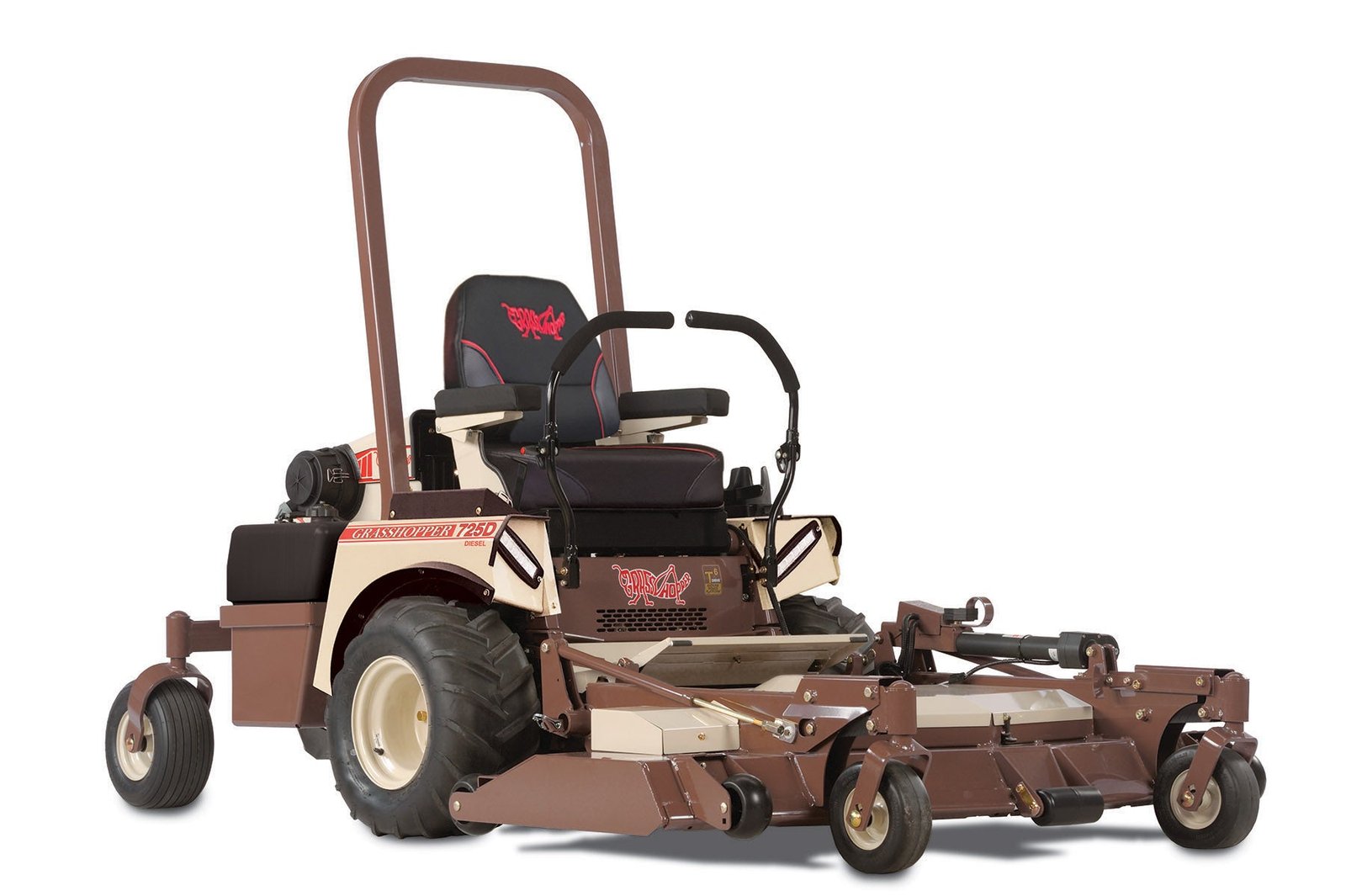
Credit: belcherspower.com
Good DIY jobs
- Battery cleaning and replacement
- Air filter and fuel filter replacement
- Blade sharpening and replacement
- Cleaning radiator screens and deck buildup
- Checking belts, fluids, and tire pressure
Better left to a technician
- Injector or fuel pump testing
- Hydraulic pump diagnosis
- Internal engine noise
- Complex wiring faults
- Repeated overheating after basic cleaning and fluid checks
If a problem returns quickly after you fix it, that usually means the root cause has not been found. Do not keep swapping parts blindly. At that point, a professional diagnosis is often cheaper than trial and error.
Simple habits that prevent repeat breakdowns
The best way to reduce Grasshopper 725D downtime is to stay ahead of wear. A few simple habits make a big difference.
- Use clean, fresh fuel.
- Keep the battery charged during storage.
- Clean the cooling system often.
- Inspect belts before they fail.
- Replace filters on schedule.
- Listen for new noises early.
One more tip: write down every repair and fluid change. A small service log helps you notice patterns. If the same belt or hose fails more than once, that may point to an alignment or tension issue, not just bad luck.
Good maintenance is not about doing everything at once. It is about catching the small signs before they become expensive grasshopper 725d problems.
FAQs
1. Why does my Grasshopper 725D crank but not start?
Most of the time, the cause is fuel, air, or electrical supply. Check the battery, fuel filter, fuel quality, and glow plug system first. Also look for air in the fuel lines or a loose connection.
2. What should I check first if the mower loses power?
Start with the air filter and fuel filter. Then inspect the radiator screen and cooling fins. A blocked airflow path or restricted fuel flow is a common reason for weak performance.
3. Why does the 725D overheat during mowing?
Overheating usually comes from poor cooling airflow, low coolant, a slipping fan belt, or grass buildup around the engine compartment. Clean the machine thoroughly and check the cooling system before using it again.
4. What if the mower drives fine when cold but gets weak later?
This often points to hydraulic fluid, belt slip, or heat-related wear in the drive system. Check fluid level, leaks, and belt condition. If the problem continues, the hydraulic system may need professional testing.
5. How can I reduce future Grasshopper 725D problems?
Do regular inspections, keep filters clean, use fresh fuel, maintain proper fluid levels, and clean the cooling system often. Small preventive checks can stop many major breakdowns before they start.